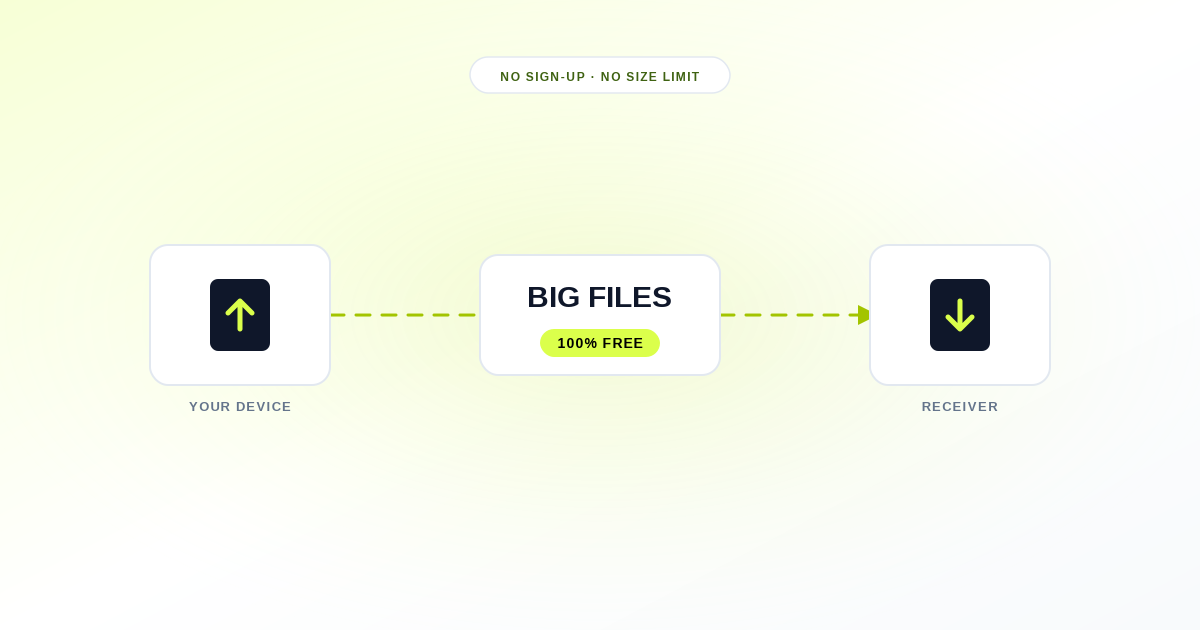
Traditional cloud file sharing follows an inefficient pattern: you upload a gigabyte-sized video file to an intermediary server (Google Drive, WeTransfer, or Dropbox), wait for it to process, generate a link, and then your recipient spends another 15 minutes downloading it from that remote server.
Peer-to-Peer (P2P) file sharing flips this paradigm on its head. Instead of uploading your data to a third-party server, data flows directly from your device’s memory over an encrypted tunnel into the recipient’s browser.
In this article, we’ll break down the architecture that powers FileDropShare using modern browser APIs and WebRTC.
1. What is WebRTC?
WebRTC (Web Real-Time Communication) is an open standard and JavaScript API built natively into modern web browsers (Chrome, Safari, Firefox, Edge). Originally designed for ultra-low latency audio and video calling, WebRTC also includes the powerful RTCDataChannel interface.
Unlike standard HTTP requests (which operate on a client-server model), RTCDataChannel creates a bidirectional, peer-to-peer data transport that supports both reliable (TCP-like) and unreliable (UDP-like) transmission modes.
Traditional Cloud Model:
Sender Browser ──────────> Remote Cloud Server ──────────> Receiver Browser
   (Encrypted)              (Decrypted & Stored)               (Download)

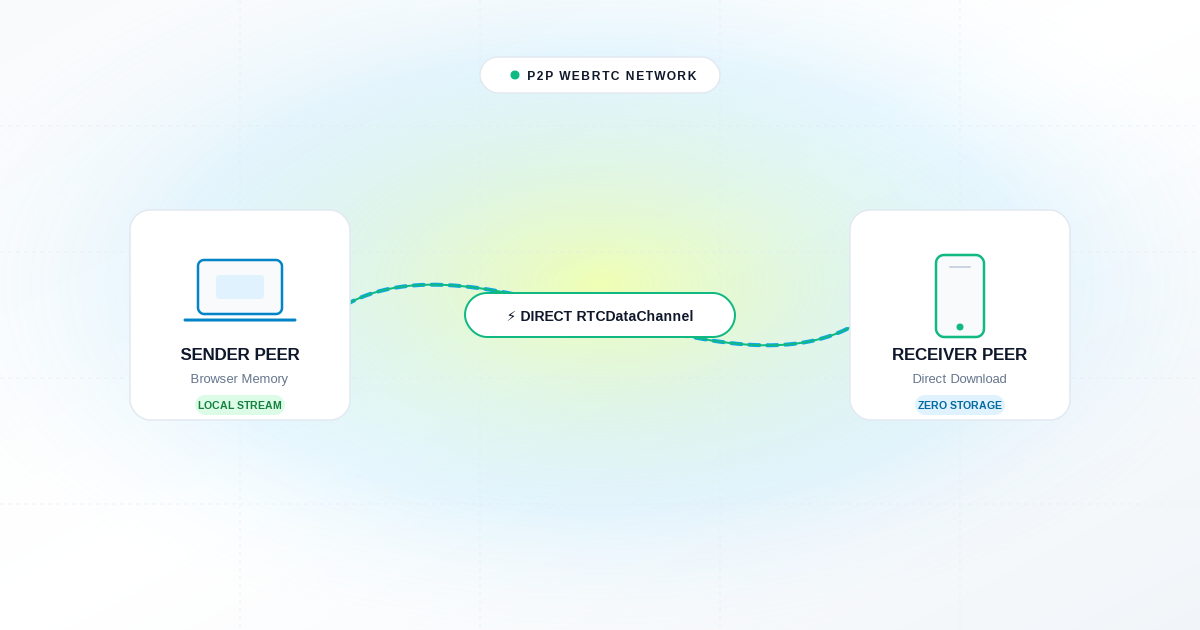
FileDropShare P2P Model:
Sender Browser <════════════════════════════════════════> Receiver Browser
                     Direct Encrypted WebRTC Tunnel
                      (No Data Stored On Servers)
2. The 3 Phases of Establishing a P2P Connection
Before two browsers can stream data directly to each other, they must discover each other’s network addresses and negotiate cryptographic keys. This happens through three phases:
Phase A: Signaling (The Handshake)
Browsers cannot magically discover each other over the global internet without an initial coordination step called Signaling.
- Offer & Answer: Peer A creates an SDP (Session Description Protocol) offer detailing its supported codecs, encryption fingerprints, and media options.
- Signaling Server: The offer is sent via a lightweight signaling server (or WebSocket) to Peer B.
- Session Acceptance: Peer B receives the offer, creates an SDP Answer, and sends it back to Peer A.
Crucial Note: The signaling server only relays small text payloads (metadata, IP candidates, and encryption keys). Not a single byte of your actual file ever passes through this server.
Phase B: ICE, STUN, and NAT Traversal
Most personal computers and smartphones sit behind routers with NAT (Network Address Translation) and firewalls. Peer A doesn’t have a public IP address—it typically has a private IP like 192.168.1.15.
To solve this, WebRTC uses the ICE (Interactive Connectivity Establishment) framework:
- STUN (Session Traversal Utilities for NAT): A lightweight server tells each browser its public-facing IP address and external port mapping.
- ICE Candidates: Both peers exchange candidate IP/port pairs to find the fastest direct path between them.
- Once a candidate pair matches, the peer-to-peer link is locked.
Phase C: DTLS & SCTP Encryption
Every WebRTC connection is strictly encrypted by default:
- DTLS (Datagram Transport Layer Security): Handles mutual authentication and ephemeral key exchange.
- SCTP (Stream Control Transmission Protocol): Runs over DTLS to provide reliable, ordered, and flow-controlled packet transfer for files.
3. Streaming Big Files with Chunking and Buffering
Transferring a 5GB video file isn’t as simple as firing dataChannel.send(largeBlob). Sending huge blobs all at once crashes browser memory buffers.
To achieve smooth, high-speed transfers without freezing the UI, FileDropShare uses a streaming chunk pipeline:
// High-level illustration of FileReader chunking
const CHUNK_SIZE = 64 * 1024; // 64 KB slices
let offset = 0;

function sendNextChunk(file, dataChannel) {
  const slice = file.slice(offset, offset + CHUNK_SIZE);
  const reader = new FileReader();

  reader.onload = (e) => {
    // Check if the data channel's bufferedAmount is safe
    if (dataChannel.bufferedAmount > 8 * 1024 * 1024) {
      // Pause until bufferedAmountLow event triggers
      dataChannel.onbufferedamountlow = () => {
        dataChannel.onbufferedamountlow = null;
        sendNextChunk(file, dataChannel);
      };
      return;
    }

    dataChannel.send(e.target.result);
    offset += CHUNK_SIZE;

    // Report progress to the UI
    const progress = Math.min(100, Math.round((offset / file.size) * 100));
    updateProgressUI(progress);

    if (offset < file.size) {
      sendNextChunk(file, dataChannel);
    }
  };

  reader.readAsArrayBuffer(slice);
}
Why Chunk Flow Control Matters
RTCDataChannel.bufferedAmount tells the sender how much data is currently queued in the network socket. By throttling chunk reads when bufferedAmount exceeds a threshold (e.g., 8MB) and resuming via onbufferedamountlow, the transfer stays blazing fast while keeping browser RAM usage below 50MB—even for a 20GB archive!
4. Key Advantages of Direct P2P Transfers
| Feature | Centralized Cloud Storage | FileDropShare P2P |
|---|---|---|
| Privacy | Stored on third-party servers | Never leaves sender/receiver devices |
| File Size Limits | Often 2GB–5GB paywalls | Virtually unlimited |
| Transfer Speed | Upload speed + Download speed | Local network gigabit speeds / Direct transit |
| Sign-up & Accounts | Mandatory registration | No account required |
| Data Retention | Persists until deleted | Zero traces left behind |
Summary
WebRTC revolutionizes how we move data across the web. By cutting out cloud servers as file custodians and utilizing encrypted browser-to-browser channels, you gain faster speeds, absolute privacy, and zero file size restrictions.
Ready to test direct P2P transfer? Try sending a file with FileDropShare now — no accounts, no installations, just direct connection.