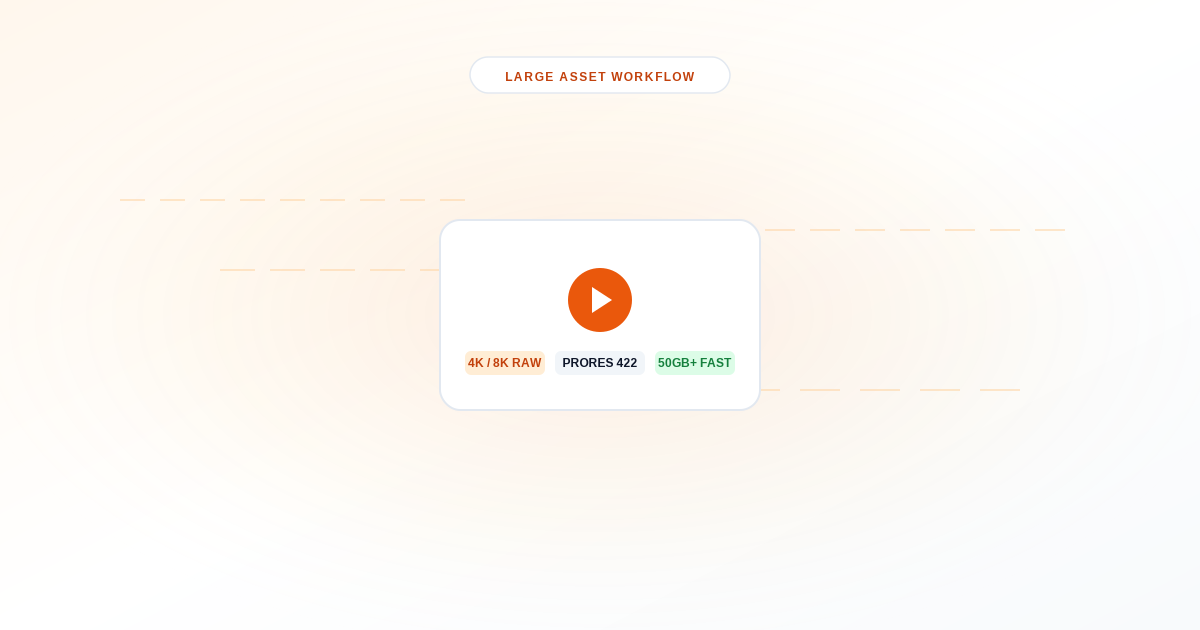
For video editors, filmmakers, 3D animators, and digital media agencies, the hardest part of a project often isn’t the edit itself—it’s delivering the final master render to the client.
A 30-minute ProRes 422 HQ timeline can easily weigh in at 30GB to 60GB. If you try to send that through standard channels:
- Email services reject anything over 25MB.
- Messaging apps like WhatsApp or Telegram aggressively compress colors, crush bitrates, and strip spatial audio.
- Cloud platforms like Dropbox or WeTransfer restrict free accounts to 2GB or enforce painful download speed caps.
Here is how to deliver pristine, uncompressed video masters fast, without paying for expensive enterprise cloud subscriptions.
The Compression Dilemma: Why You Should Never Send Video via Chat Apps
When you send a video through apps not designed for master transfers, the application typically re-encodes your footage using an aggressive H.264 profile:
- Color Banding: Subtle gradients in skies and dark shadows turn into blocky color bands.
- Dropped Framerates: 60fps or 120fps high-frame-rate videos are downgraded to 30fps.
- Audio Quality Loss: Lossless 24-bit 48kHz audio is downsampled to low-bitrate joint stereo.
- Stripped Metadata: Critical camera color spaces (such as Apple Log, Sony S-Log3, or Canon C-Log) and timecode tracks are erased.
3 Modern Ways to Send 10GB+ Video Files
Let’s evaluate the top methods for moving large assets in 2026:
Option 1: FileDropShare P2P (Recommended for Same-Day Turnaround)
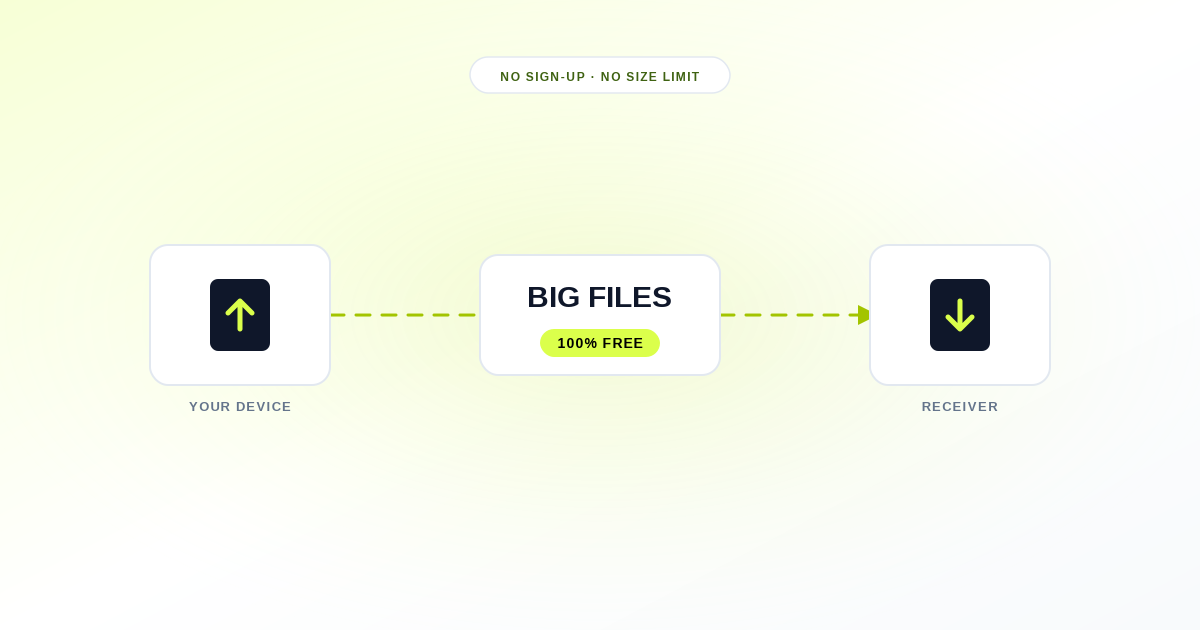
With FileDropShare, you can transfer files up to 50GB+ directly between two machines:
- No Size Caps: Because files are streamed directly peer-to-peer via browser memory chunks, you aren’t restricted by cloud hosting storage limits.
- Full Bitrate Preservation: Byte-for-byte exact transfer. A 12-bit RAW video arrives identically bit-for-bit.
- Zero Cloud Wait Times: The recipient starts downloading the moment you begin sending—no waiting for a 2-hour upload to finish before they can begin.
Traditional Cloud:
Upload to Cloud (60 mins) ──> Cloud Processing (15 mins) ──> Client Download (60 mins)
Total Time: 135 mins

FileDropShare Direct Stream:
Sender Streams ═════════════════════════════════════════════> Client Receives
Total Time: ~45 mins (Simultaneous Direct Streaming)
Option 2: Physical High-Speed NVMe SSDs (The “Sneakernet”)
If you and your client work in the same city or studio building, nothing beats walking an external Thunderbolt 4 NVMe drive (like a Samsung T9 or SanDisk Extreme Pro) over to their desk.
- Speeds: 2,000 MB/s to 4,000 MB/s.
- Best for: 500GB+ multi-camera project archives.
Option 3: Dedicated Aspera / Signiant Services
Used by Hollywood studios and broadcast television networks:
- Pros: Maximum utilization of enterprise 10Gbps fiber lines using custom UDP protocols.
- Cons: Astronomical pricing starting at hundreds of dollars per month with long-term contracts.
4 Pro Tips for Faster Video Transfers
If you are transferring large video files over the internet or local network, follow these optimization guidelines:
1. Use Ethernet Over Wi-Fi Whenever Possible
Wi-Fi signals fluctuate due to radio frequency interference, wall absorption, and device congestion. Plugging both the sending and receiving computers into an Ethernet cable directly connected to the router will frequently double or triple your throughput.
2. Verify Available Local Disk Space
Before starting a 20GB transfer, check that the destination drive has at least 2x the file size in free space (40GB) to accommodate temporary browser download buffers.
3. Disable Sleep Mode During Transfer
If your computer goes into sleep mode or the lid is closed, the operating system suspends network adapters and browser threads.
- On Mac: System Settings -> Displays -> Advanced -> Prevent automatic sleeping on power adapter.
- On Windows: Power & battery settings -> Screen and sleep -> Set to “Never” when plugged in.
4. Group Multiple Clips into TAR or ZIP (No Compression Mode)
If you have 15 different B-roll clips, bundle them into a single archive using “Store” (0% compression):
# Fastest packaging with zero CPU encoding overhead
tar -cf project_broll.tar ./broll_clips/
Sending one consolidated stream is much faster over network sockets than opening and closing thousands of separate file handshakes.
Start Transferring Your Video Assets Today
Don’t let file size paywalls bottleneck your creative output. Use browser-native peer-to-peer sharing to deliver massive video files quickly, securely, and at full master quality.
Send a large video file now on FileDropShare — Unlimited, free, and direct.