In 2026, data security is no longer an afterthought reserved for enterprise IT departments—it is an everyday necessity for freelancers, creators, lawyers, and businesses alike.
When you send a confidential client agreement, a sensitive tax return, or an unreleased media project via standard email attachments or free cloud services, your data often lingers indefinitely on remote servers, subject to automated indexing, third-party audits, and potential server vulnerabilities.
Here are the 7 critical best practices you should adopt immediately to guarantee the privacy and integrity of your file transfers.
1. Prioritize Zero-Knowledge, Serverless Transfers
When assessing any file transfer tool, ask one simple question: “Does the provider store my file on their servers?”
- Traditional Storage Services: Save your files to S3 buckets or data centers. Even if encrypted at rest, the service provider usually holds the master encryption keys.
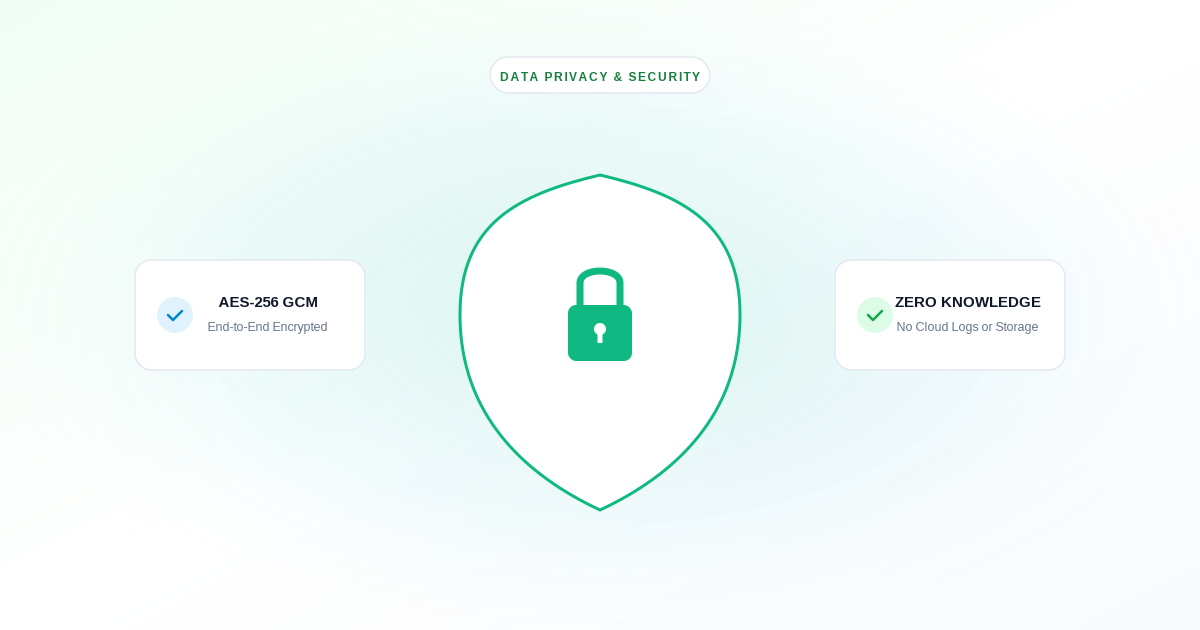
- Serverless / P2P Solutions: With direct P2P architectures like FileDropShare, files pass directly between the memory of the sender’s browser and the recipient’s browser. Once the transfer window closes, zero copies remain on any server.
Cloud Storage Risk Profile:
Your PC ────> [Remote Cloud Server (Risk of Breach, Logged, Backed up)] ────> Recipient

Direct P2P Risk Profile:
Your PC <═══════════ End-to-End Encrypted Peer Tunnel ═══════════> Recipient
                          (No Server Copies)
2. Verify End-to-End Encryption (E2EE)
Ensure that data is encrypted while in transit using robust, industry-standard cryptographic algorithms:
- DTLS (Datagram Transport Layer Security): WebRTC connections utilize DTLS for end-to-end payload encryption.
- AES-GCM (256-bit): Provides high-performance authenticated encryption with confidentiality and data integrity verification.
If a transfer mechanism does not offer end-to-end encryption, anyone on the same Wi-Fi network (like in an airport or coffee shop) can intercept unencrypted network packets.
3. Compress and Password-Protect Sensitive Archives Locally
Before transmitting highly confidential documents (such as financial spreadsheets or passport scans), add a secondary defense layer by creating an encrypted ZIP archive on your local device:
On macOS / Linux:
# Encrypt a folder into a password-protected zip using AES-256
zip -er confidential-docs.zip ./my-private-folder/
On Windows:
Use an open-source tool like 7-Zip:
- Select your files -> Right-click -> 7-Zip -> Add to archive.
- Encryption method: AES-256.
- Set a strong passphrase.
🔒 Security Rule: Never send the archive and the decryption password through the same communication channel. Send the file via FileDropShare, and deliver the password via an encrypted messaging app (like Signal).
4. Beware of Permanent Public Share Links
One of the most dangerous oversights when using cloud platforms is creating public share links set to “Anyone with the link can view”.
Research repeatedly shows that thousands of sensitive corporate documents leak every year because employees forget to revoke share links after the project concludes.
With ephemeral peer-to-peer sharing:
- The connection is strictly temporary.
- When you close the browser tab, the link instantly terminates.
- There is no permanent URL left floating on the web for search crawlers or malicious actors to scrape.
5. Verify the Recipient’s Identity (Out-of-Band Confirmation)
Social engineering and man-in-the-middle attacks rely on tricking you into sending files to an imposter.
When sharing critical assets:
- Verbally confirm the 6-character transfer ID or scan the QR code in person.
- Ensure the connection badge displays the active peer status before clicking “Send”.
6. Audit Browser Extensions and Permissions
Your browser is your primary interface to the internet. However, rogue browser extensions can read DOM contents or inspect local files.
- Use a clean browser profile or Incognito / Private Window when transferring sensitive data.
- Regularly review and uninstall outdated, unnecessary browser extensions.
- Ensure your browser is updated to the latest version to patch WebRTC and TLS security vulnerabilities.
7. Avoid Storing Files in Intermediate “Staging” Folders
Often, users copy confidential files to a desktop “temp” folder, forget to delete them, and leave them vulnerable to local disk recovery tools.
If you must use temporary folders, use secure deletion tools (shred on Linux, or permanent deletion without sending to the Recycle Bin/Trash) once the transfer concludes.
Final Thoughts
Securing your digital life does not require expensive enterprise software. By adopting direct peer-to-peer transfers, using strong local encryption, and avoiding permanent public links, you retain full ownership and privacy over your most sensitive digital files.
Transfer your files securely with FileDropShare — End-to-end encrypted, zero signup, and completely private.